Improving the Design system.

Dizno Design System

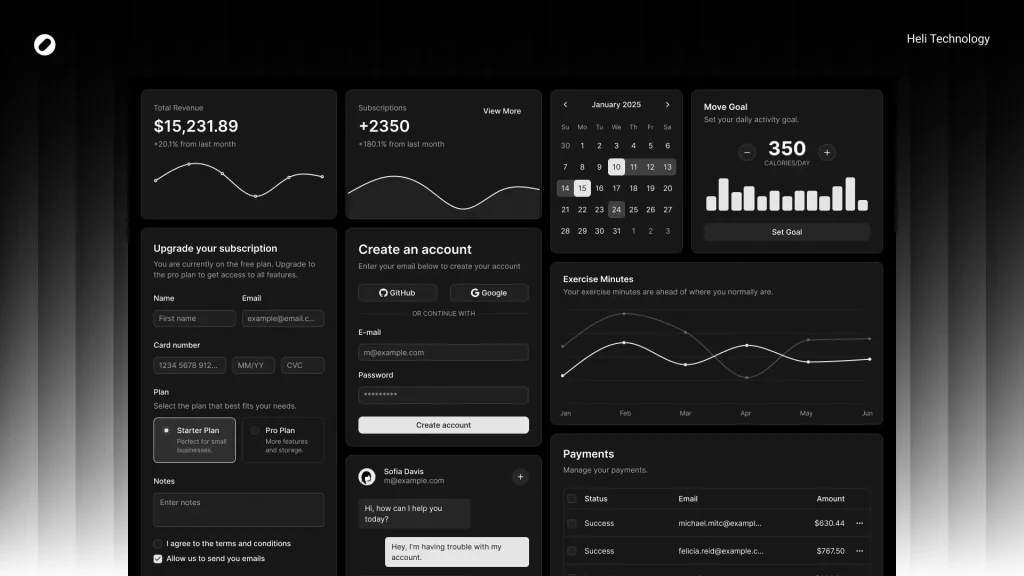
As the product evolved and the UI underwent major changes in v2, we decided to rebuild the design system properly — this time intentionally, structurally, and based on real usage patterns. The goal was to make shadcn truly ours.

Problem Statement

While shadcn gave us a solid base, we faced several limitations: 

  • Component size restrictions (heights, paddings, spacing)

  • Color token mismatches with our brand

  • Radius inconsistencies with our visual direction

  • Missing semantic tokens (success, warning)

  • Inability to use default components across all product scenarios

  • Lack of clear documentation on what exactly was modified

    Scaling up the product, these gaps became friction points — especially between design and development.

    The engineering team needed clarity on:

  • What exactly changed compared to default shadcn?

  • Where were we diverging intentionally?

  • What should remain aligned to avoid technical debt?

Goals

  • Align the system with Dizno’s updated visual language

  • Enable flexible component sizing for real product needs

  • Reduce design–dev ambiguity

  • Minimize unnecessary deviation from shadcn (avoid extra engineering burden)

  • Document every intentional change

My Role

  • Defined system direction

  • Rebuilt foundations (tokens, typography, radius)

  • Audited used components

  • Designed and structured new variants

  • Documented all deviations

  • Led technical alignment session

  • Finalized design–dev sync before implementation

Color Tokens

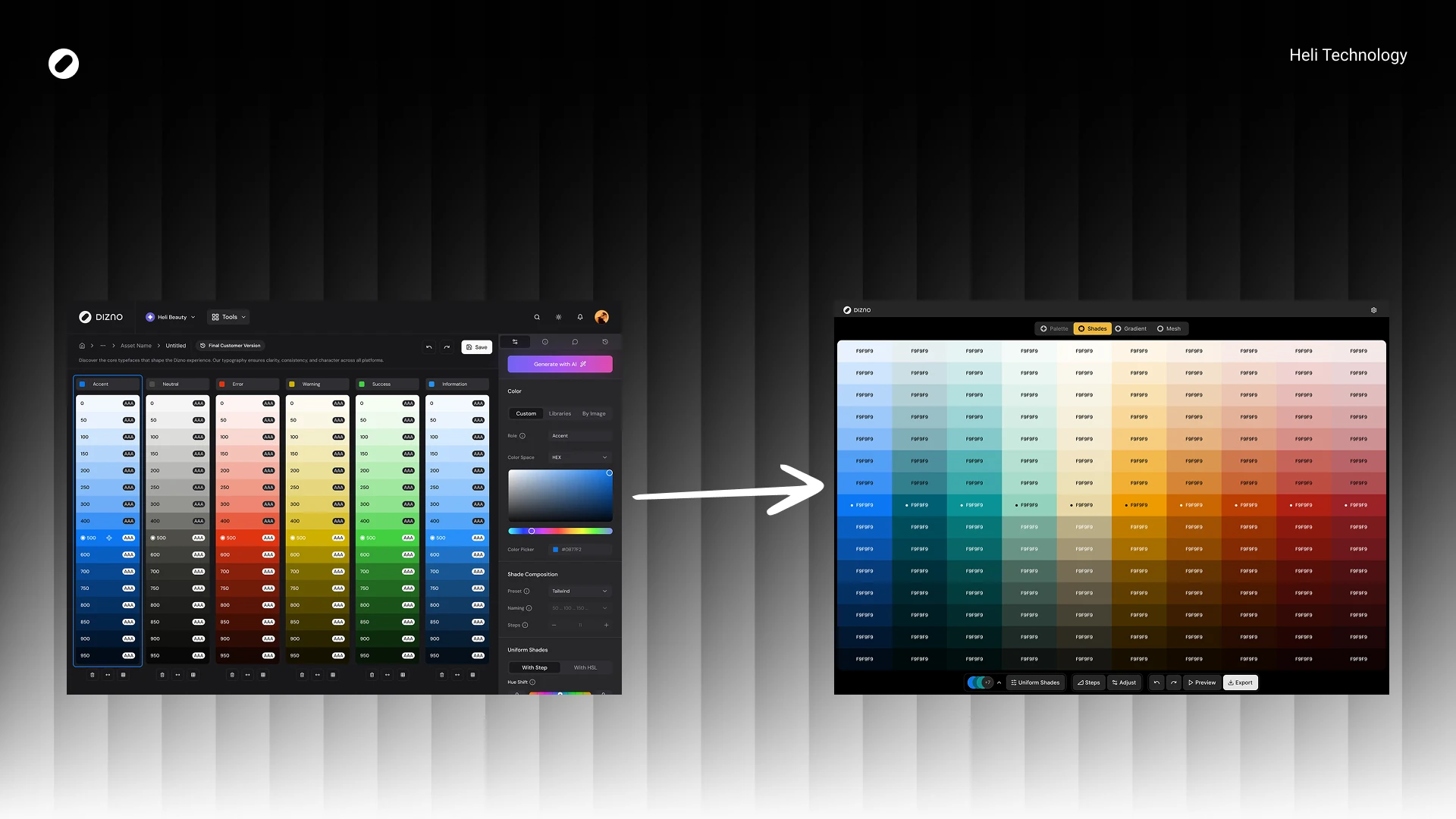
Instead of jumping directly into components, I rebuilt the foundations:

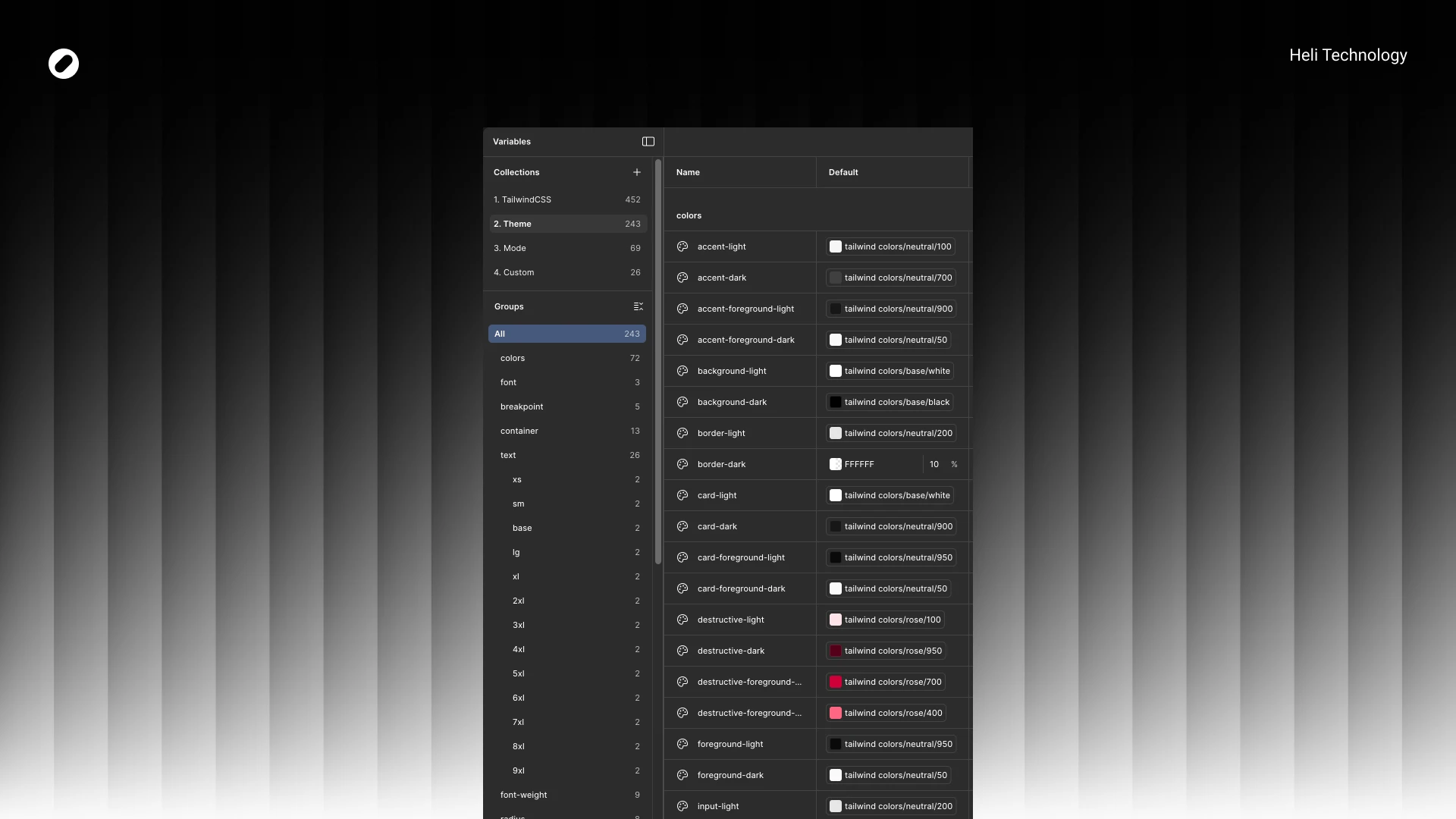
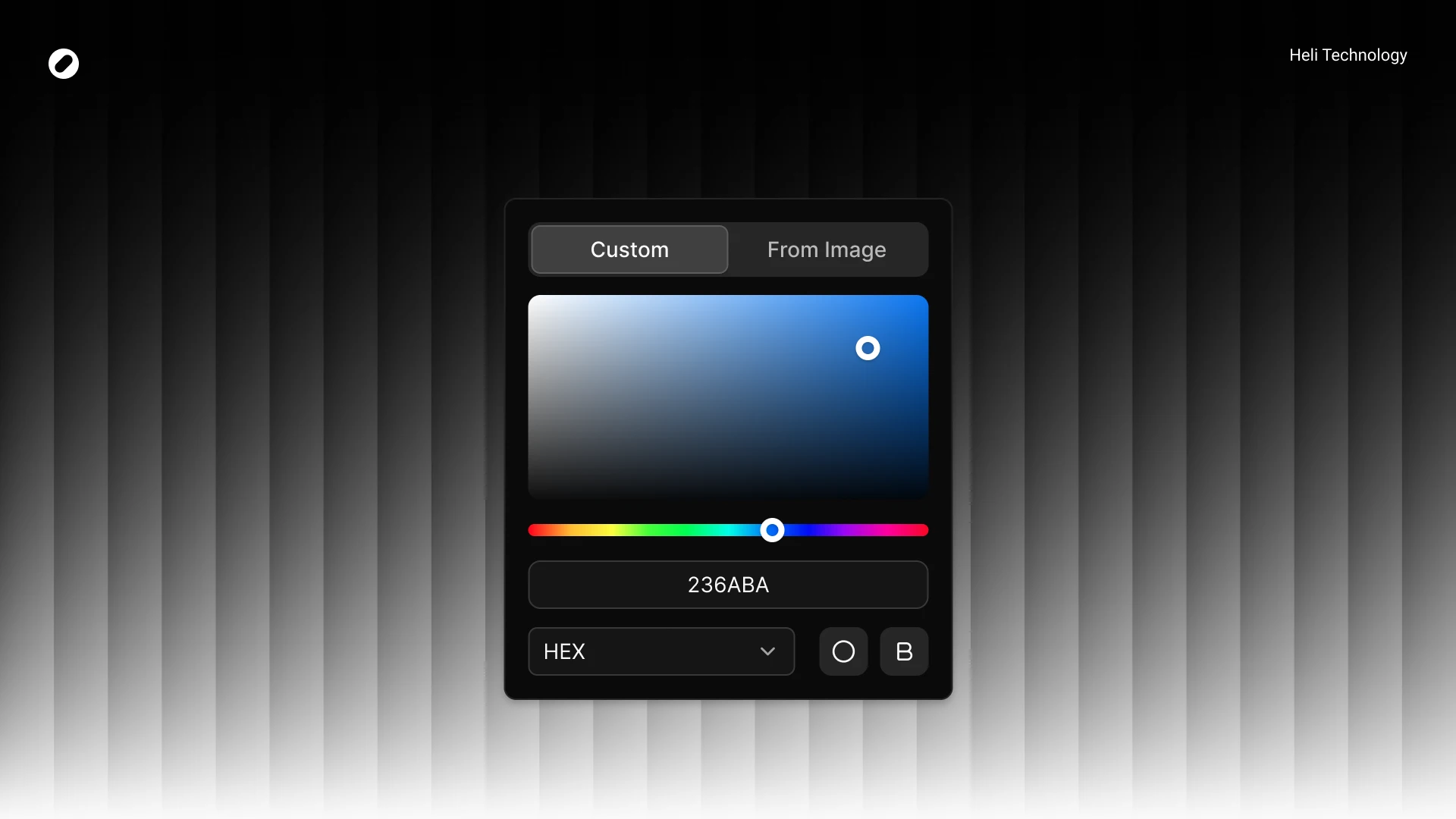
We replaced and refined core tokens to match Dizno’s identity.

Examples:

  • neutral-950 → black for background-dark

  • Red destructive palette shifted to rose spectrum

  • Chart colors replaced with brand-specific values

  • New semantic tokens added:

    • warning

    • success

    • with full light/dark foreground mappings

We also introduced proper token pairing for light/dark modes to maintain consistency.

Radius System

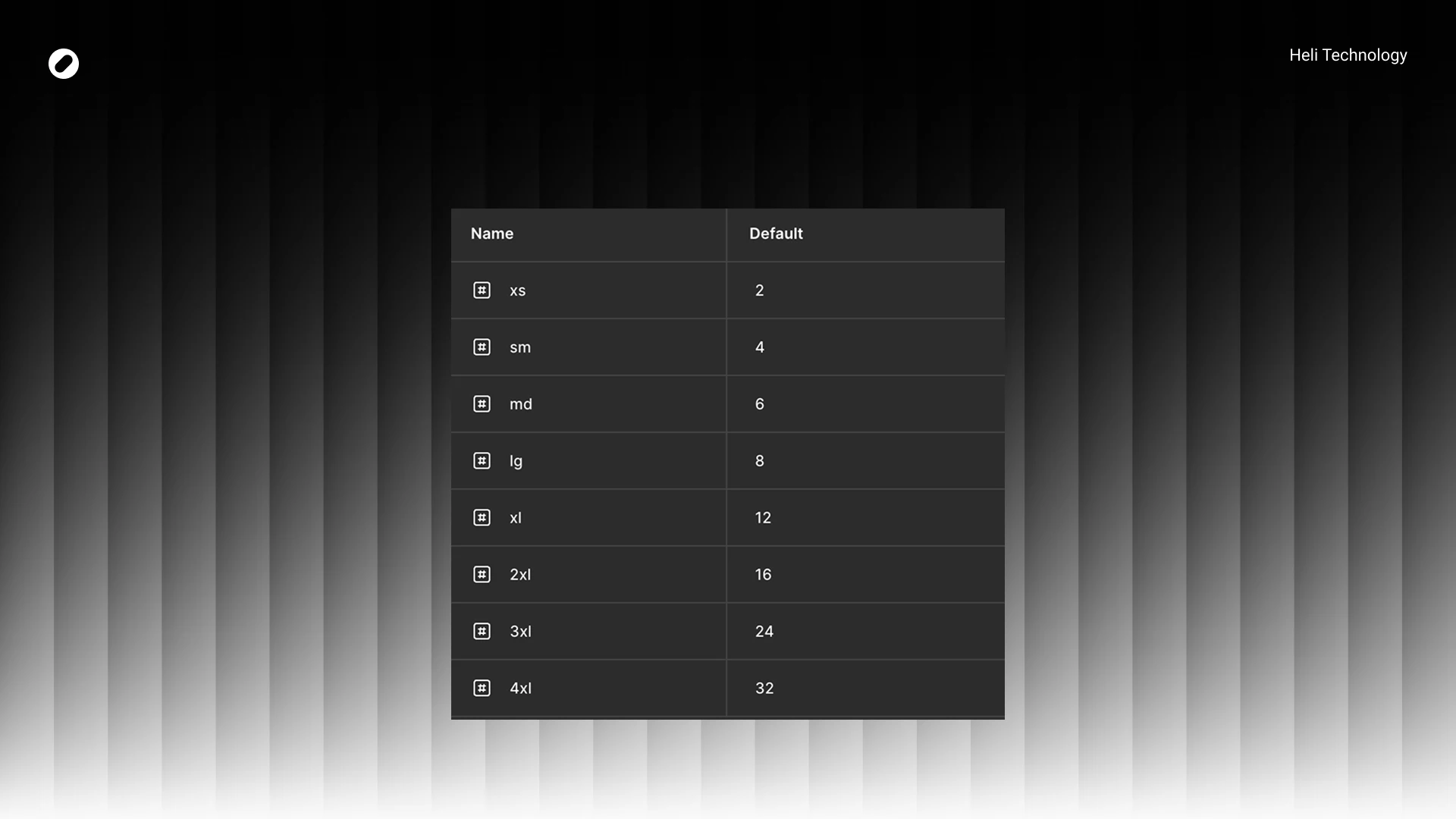
hadcn were reduced in some areas and standardized to match Dizno’s softer visual identity.

Example:

  • sm: 6 → 4

  • md: 8 → 6

  • Many components unified at 8px radius

This helped create visual consistency across inputs, buttons, popovers, and tabs.

Component Strategy

After foundations were locked, I audited all components used in real designs and documented deviations from shadcn.

Key Principles:

  • Keep structure intact
  • Adjust sizing to match product density
  • Reduce padding where needed
  • Introduce variants only when product demanded it
  • Avoid unnecessary engineering overhead

System Adjustments

ensity Optimization

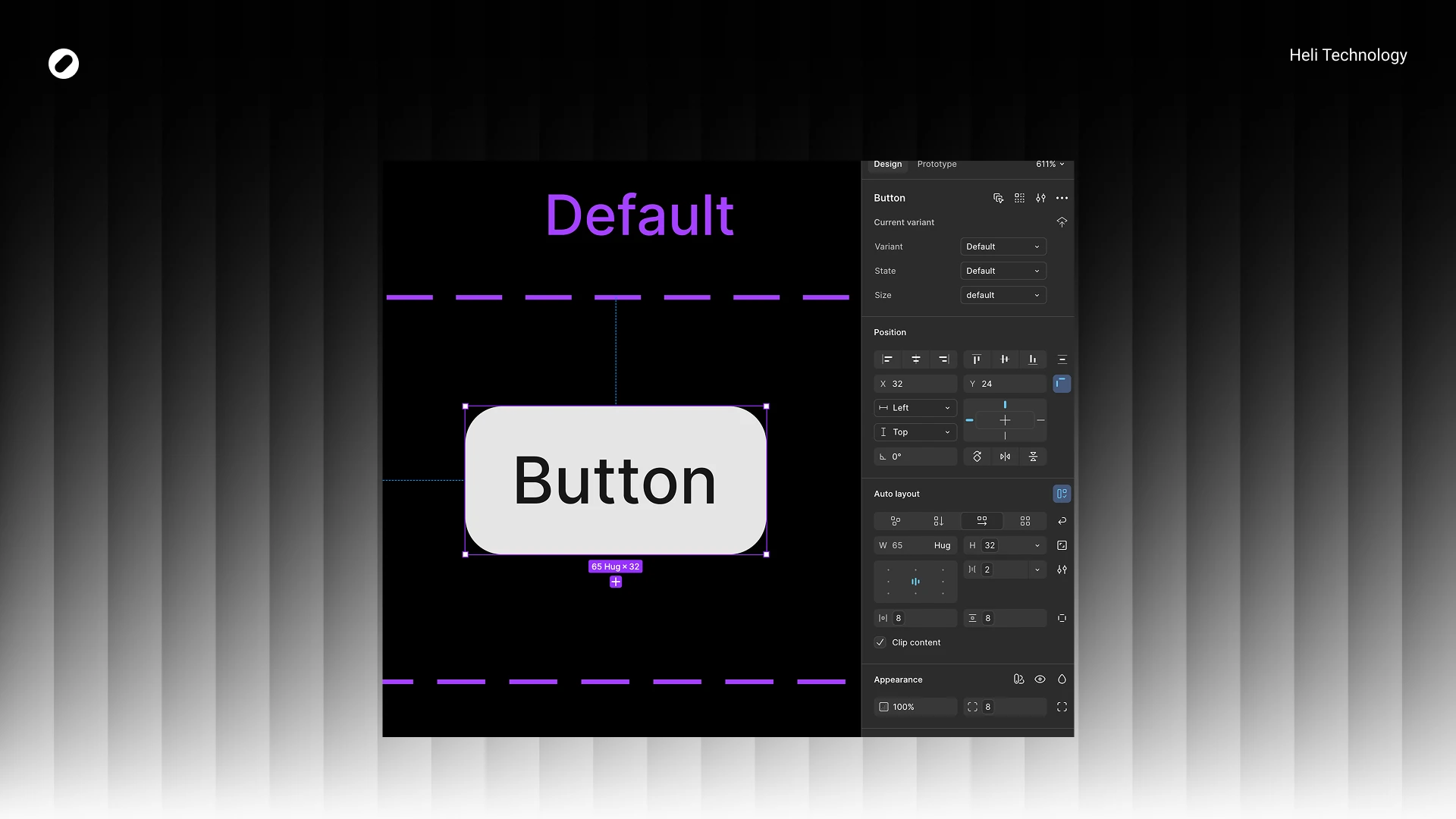
Dizno required a more compact UI.
Examples across components:

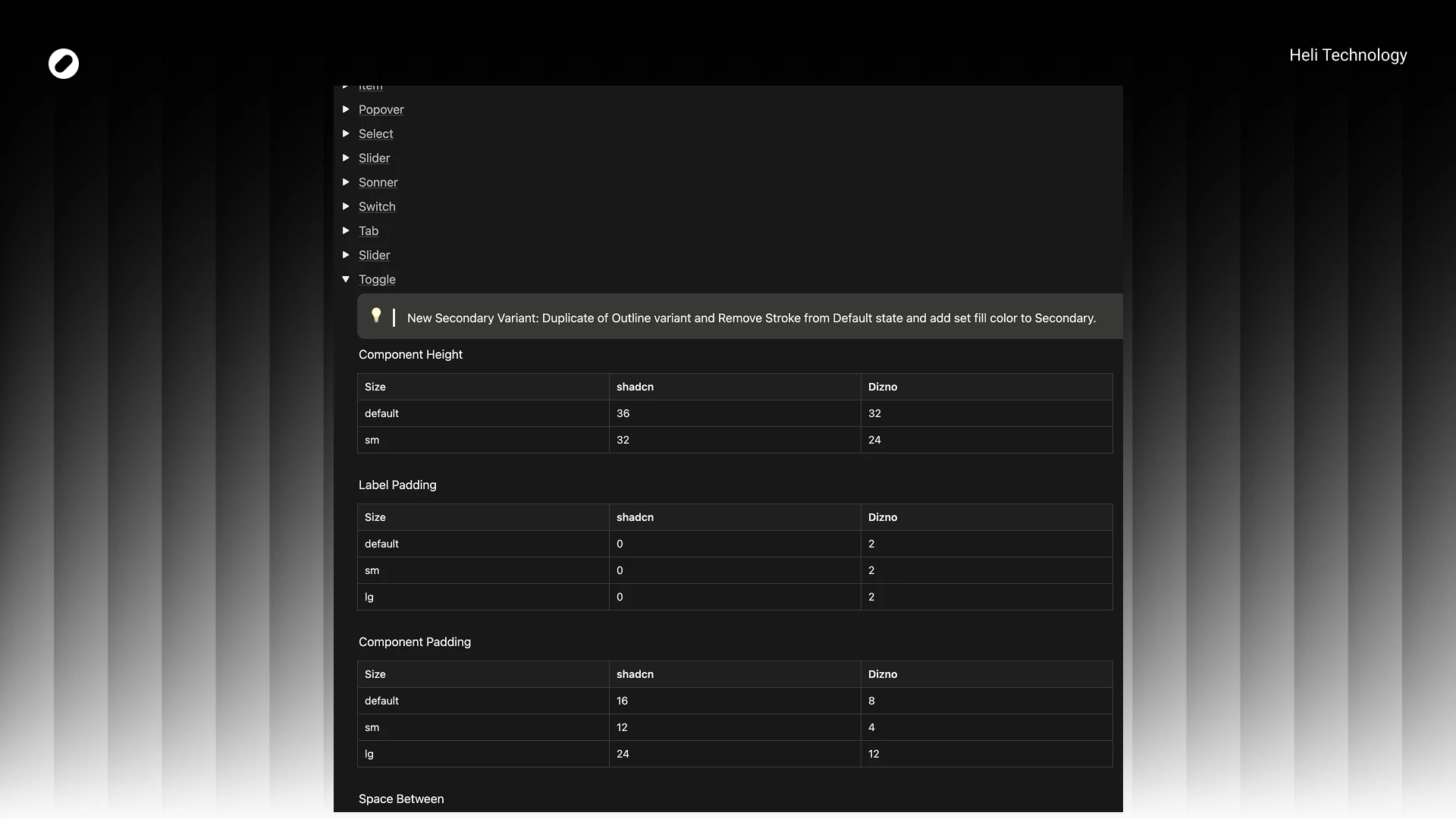
  • Default height: 36 → 32
  • Small size: 32 → 24
  • Internal spacing: 8 → 2

Component padding often reduced by 50%

This significantly improved information density without harming readability.

New Variants

We introduced purposeful variants:

  • Toggle → New Secondary variant
  • Slider → “No Tracker” variant
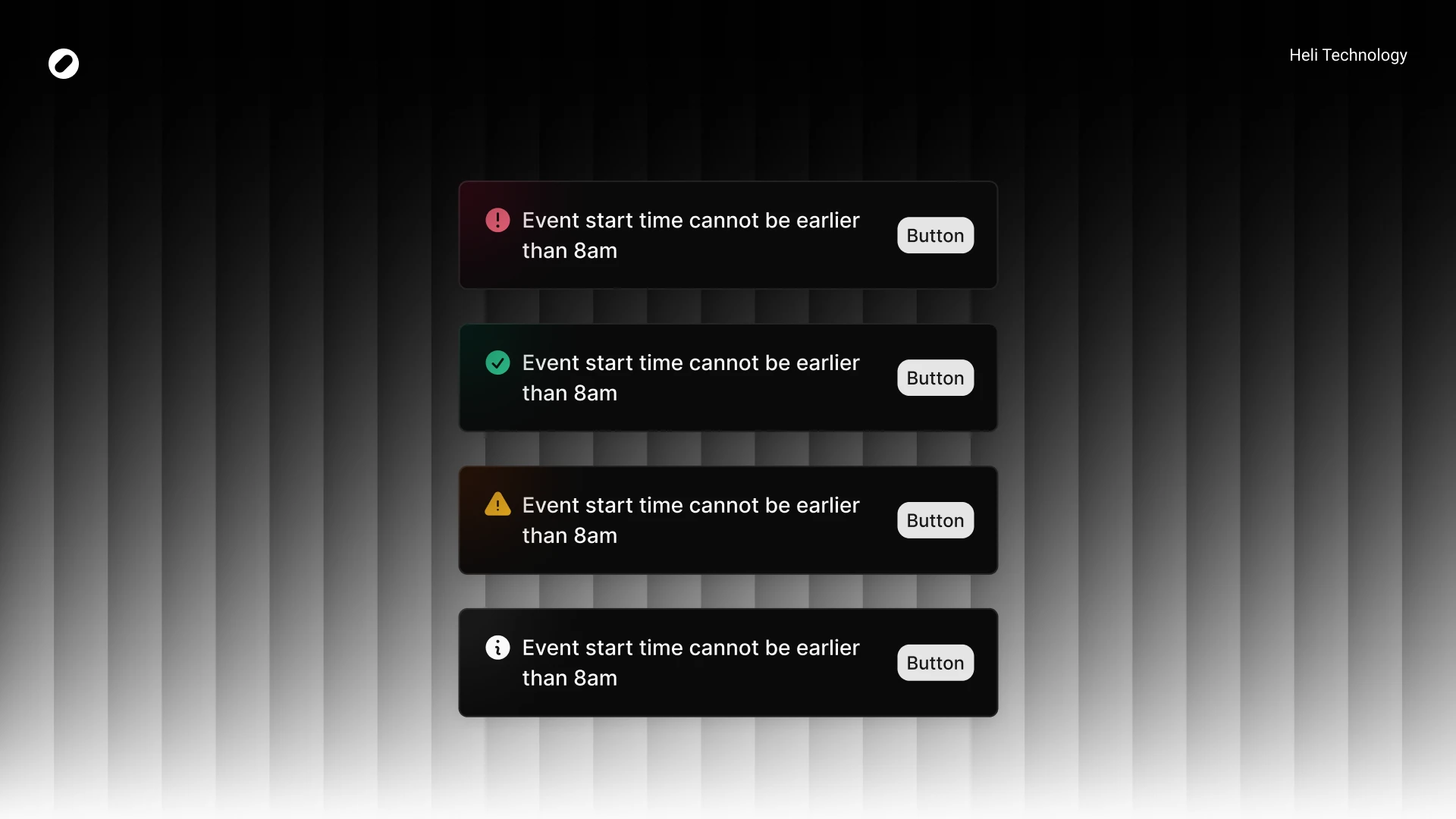
  • Sonner → destructive / warning / success / info / loading
  • Tabs → New lg size (40px height)
  • Input / Select / InputGroup → sm & lg structured sizing system


These were introduced only when tied to real product use cases.

Visual Refinements

Examples:

  • Tabs active fill changed to background:accent
  • Switch radius standardized (container 8px, inner 6px)
  • Slider stroke thickness: 1 → 4 (stronger visual feedback)
  • Sonner received visual enhancement with blurred color circle per variant

All changes were documented comparatively:

shadcn vs Dizno

Documentation

All differences were documented in Notion, including:

  • Token comparison tables
  • Component-by-component deviation logs
  • Size changes
  • Padding adjustments
  • Variant additions
  • Visual modifications


This allowed the dev team to clearly understand:

  • What changed
  • Why it changed
  • What remained aligned

Handoff & Alignment

We held a dedicated session with:

  • Developer
  • Tech Lead


In that session:

  • I walked through foundations
  • Explained intentional divergences
  • Answered technical concerns
  • Got approval before implementation


The focus was alignment — not just handoff.

Impact

  • Unified visual language across v2
  • Clear design–dev parity
  • Reduced ambiguity in component behavior
  • Scalable token structure for future expansion
  • Improved density and usability
  • Better dark/light consistency
  • Structured documentation for onboarding

    Most importantly:
  • We moved from “customized UI kit”
  • to a product-aligned design system.